Compatibility
Minecraft: Java Edition
Platforms


Creators
Details
Licensed Apache-2.0
Published 4 months ago
📻 Radio - Simple Voice Chat Integration
Adds Radio blocks that enable long-distance voice communication through frequency-based channels. Players can transmit and receive voice across any distance by matching frequencies.
✨ Features
📡Frequency System - Configure radios on different frequencies🔄Input/Output Modes - Set radios as transmitters or receivers📶Signal Output System - Radio output emits redstone signals (strength 1-15) alongside sound⚡Redstone Integration - Control frequency via redstone signal strength (optional)🎨No Resource Pack - Textures use Display Entities🌍Cross-Dimensional - Works across different worlds⚙️Configurable - Customize range, frequency limits, crafting recipe, item lore, chunk limits and more
🎮 Gameplay
Manual Frequency Mode (Default)
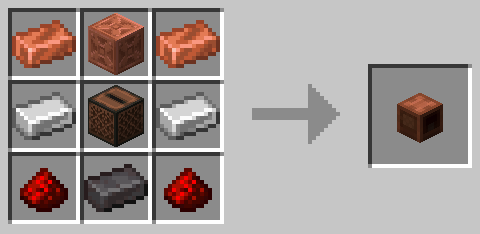
- Craft or obtain a radio block using
/simple_voice_radio give - Place the radio block in your world
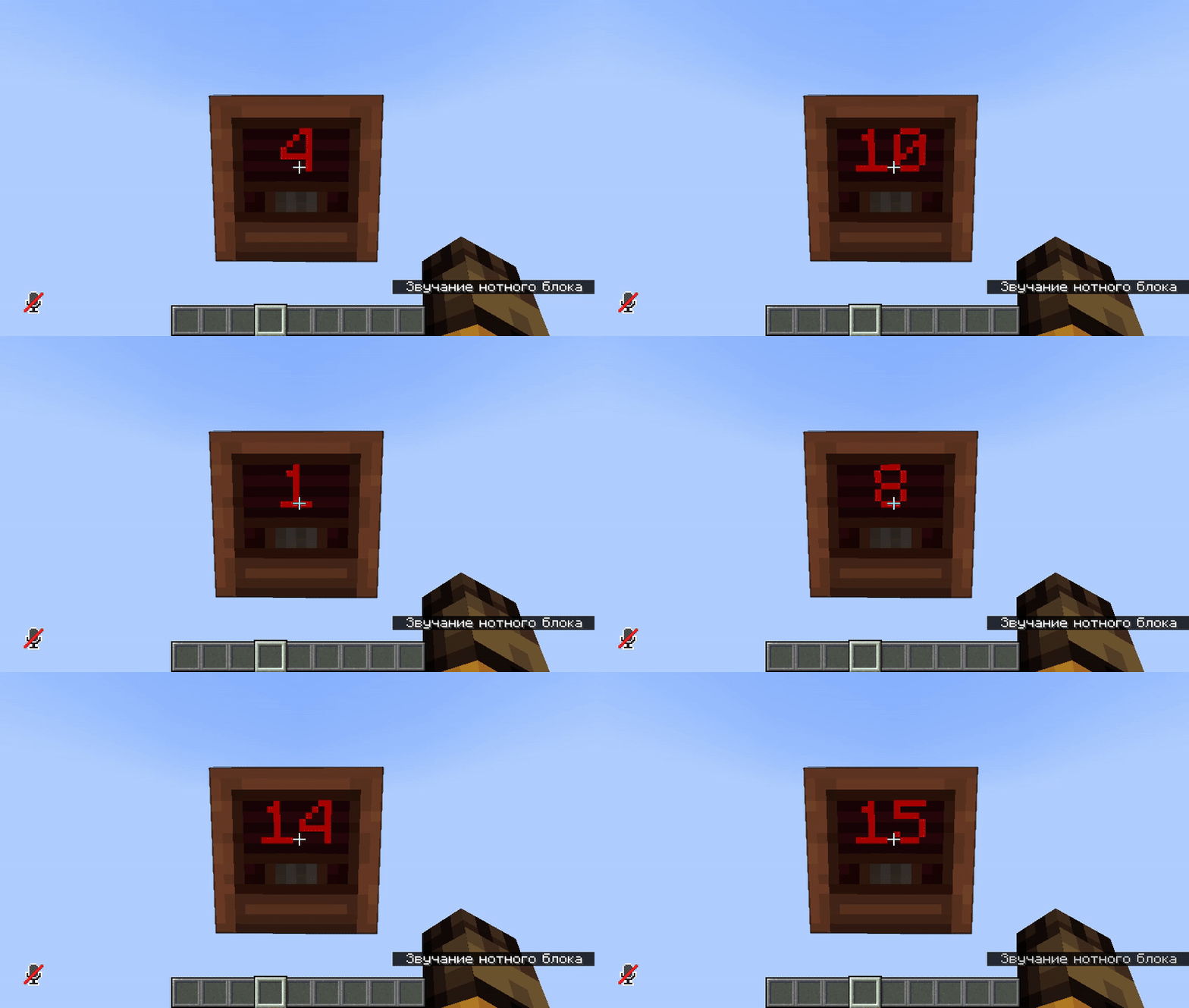
- Shift + Right-click to cycle through frequencies (display on the front)
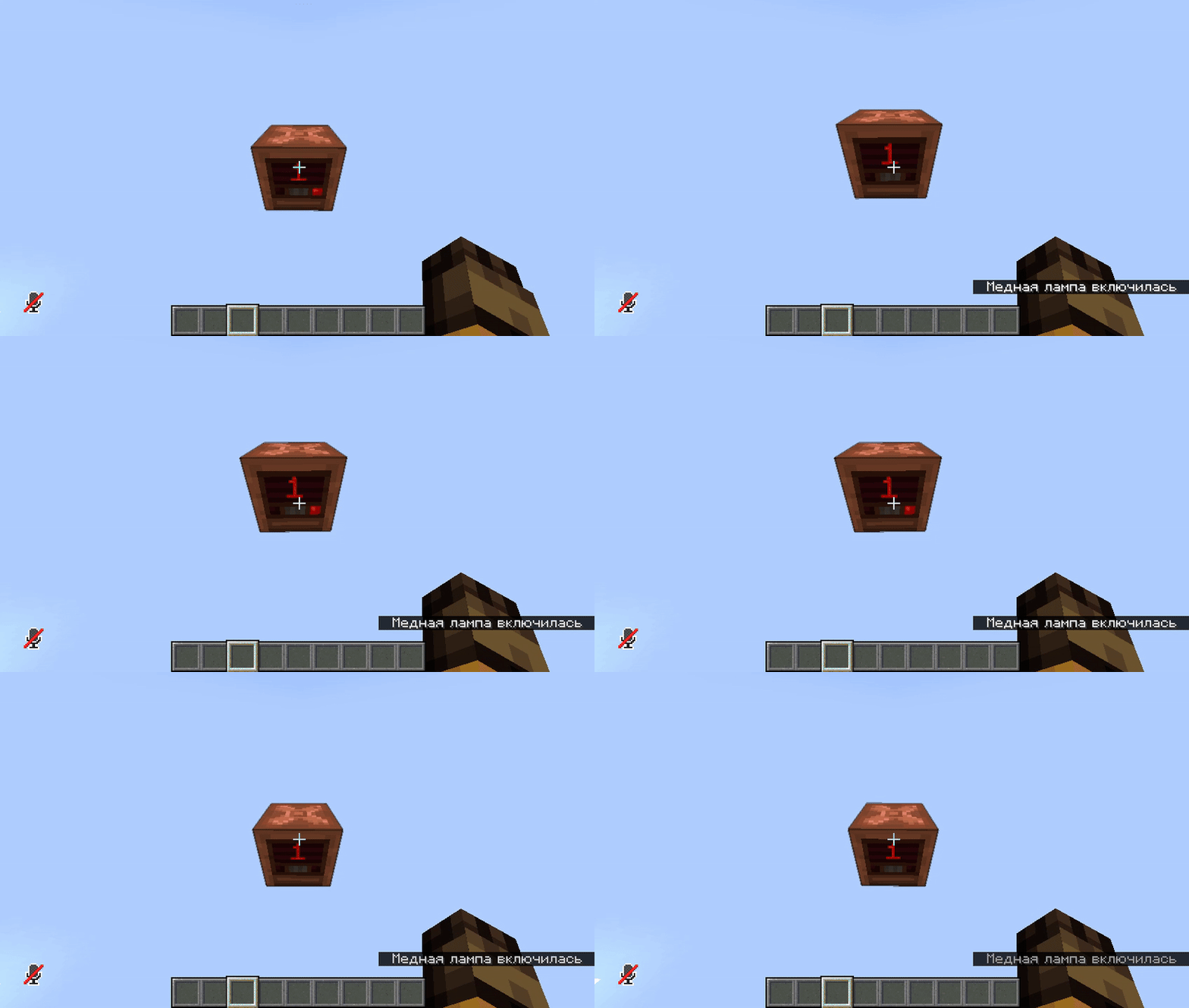
- Right-click to toggle between Input (transmitter) and Output (receiver) modes
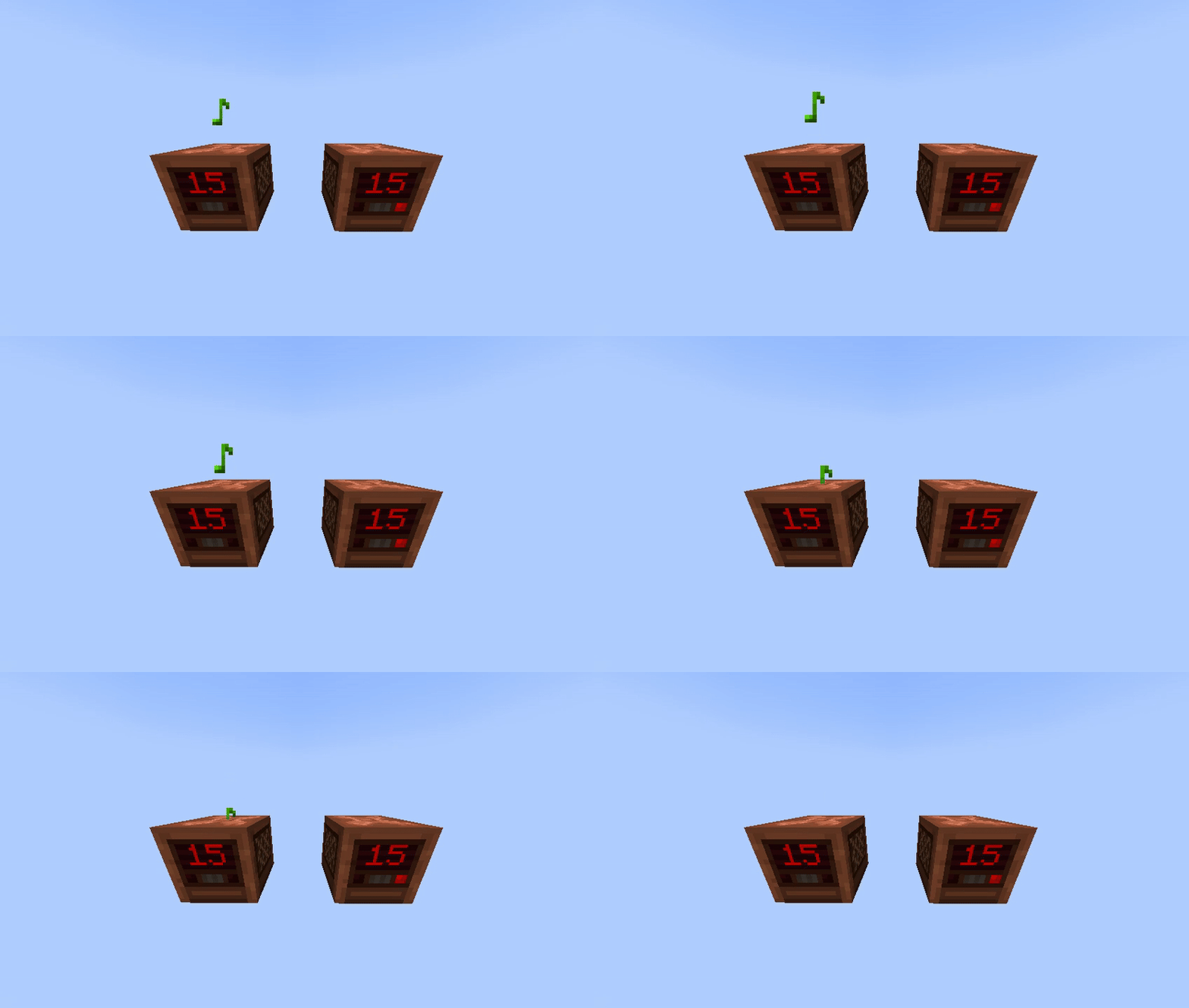
- Speak near an Input radio to broadcast to all Output radios on the same frequency
- Multiple Broadcasts - Talk on multiple radios simultaneously
- View crafting recipe with
/simple_voice_radio view_craft
Redstone Frequency Mode (Optional)
When redstone_frequency: true is enabled in config:
- Frequency is controlled by redstone signal strength (0-15)
- Right-click to toggle between Input/Output modes (only works when powered)
- Zero power automatically sets radio to Output mode
- No manual frequency switching available
- Output radios emit redstone signals (strength 1-15) when receiving transmissions
📦 Requirements
🎤Simple Voice Chat📚ProtocolLib
🆘 Support
- Need help? Join our Discord
- Found a bug? Report it on Discord!
📸 Preview
Speaking through Radio
Mode Switching (Input/Output)
Frequency Switching